← Back to browse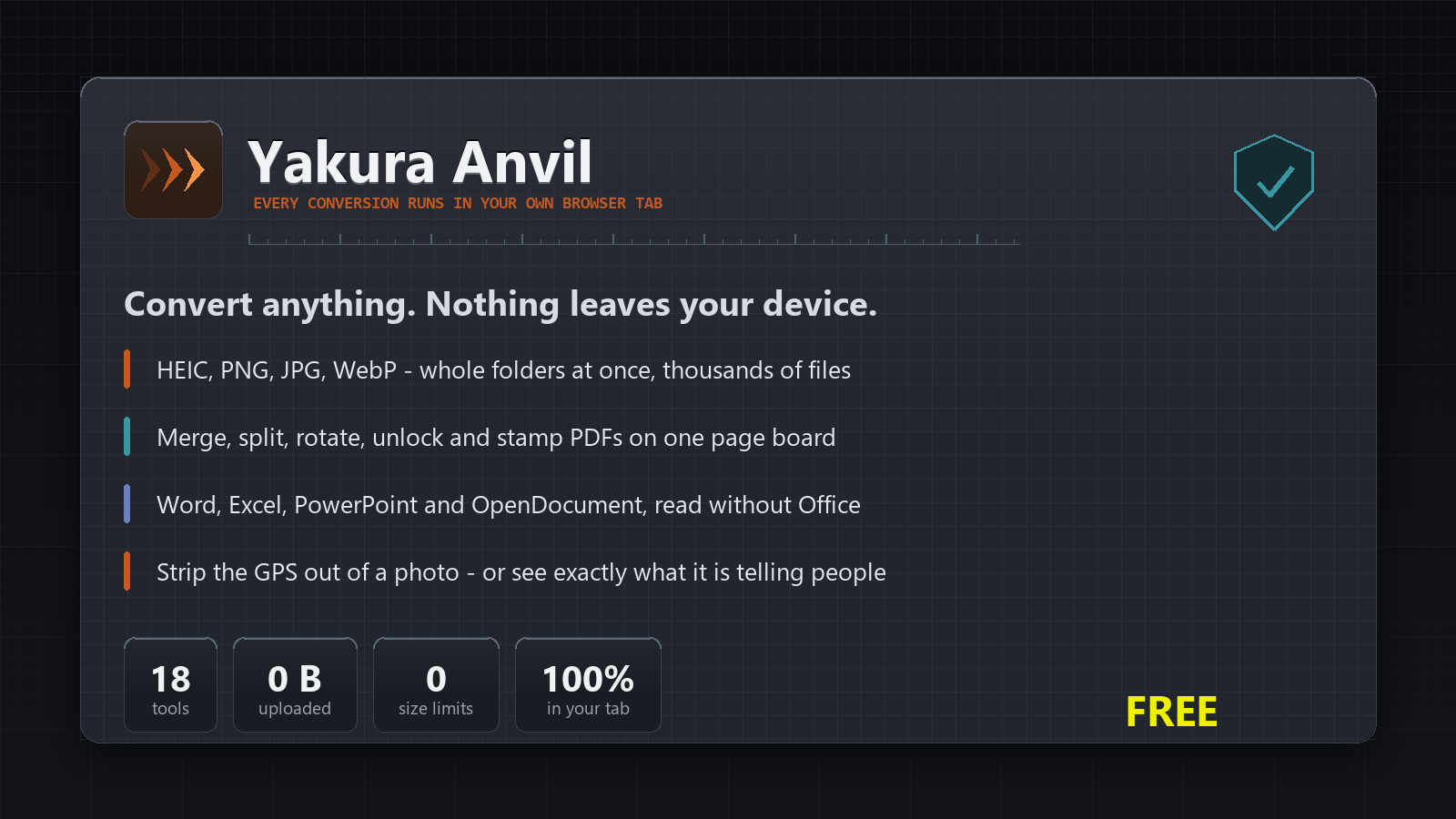
⚒️
Yakura Anvil
Convert images, PDFs, documents and data — entirely inside your browser. Nothing is ever uploaded.
What you get
- Nothing leaves your browserNo upload, no server, no account needed
- Image conversionHEIC, PNG, JPEG, WebP, in bulk
- Merge, split and rotate PDFsAnd take the password off a locked one
- Word and Markdown conversionBoth directions
- Read and convert spreadsheetsExcel and CSV
- QR codes and barcodesGenerate and read
- OCRPull the text out of a scan
- Crop, resize and compressWithout a subscription to do it
- A work logWhat you converted, and when
- Eighteen tools on one benchThe ones you keep googling
Is this for you?
- Anyone with a folder of HEICsConvert the lot to JPEG without emailing them to a website
- People handling sensitive filesThe file never leaves the machine, so there is nothing to leak
- Office workersThe PDF jobs IT will not buy you a licence for
About Yakura Anvil
The file never leaves your computer
Every tool runs in your own browser. Nothing is uploaded, nothing is stored, and there is no server holding your documents. Turn off your wifi and Anvil still works.
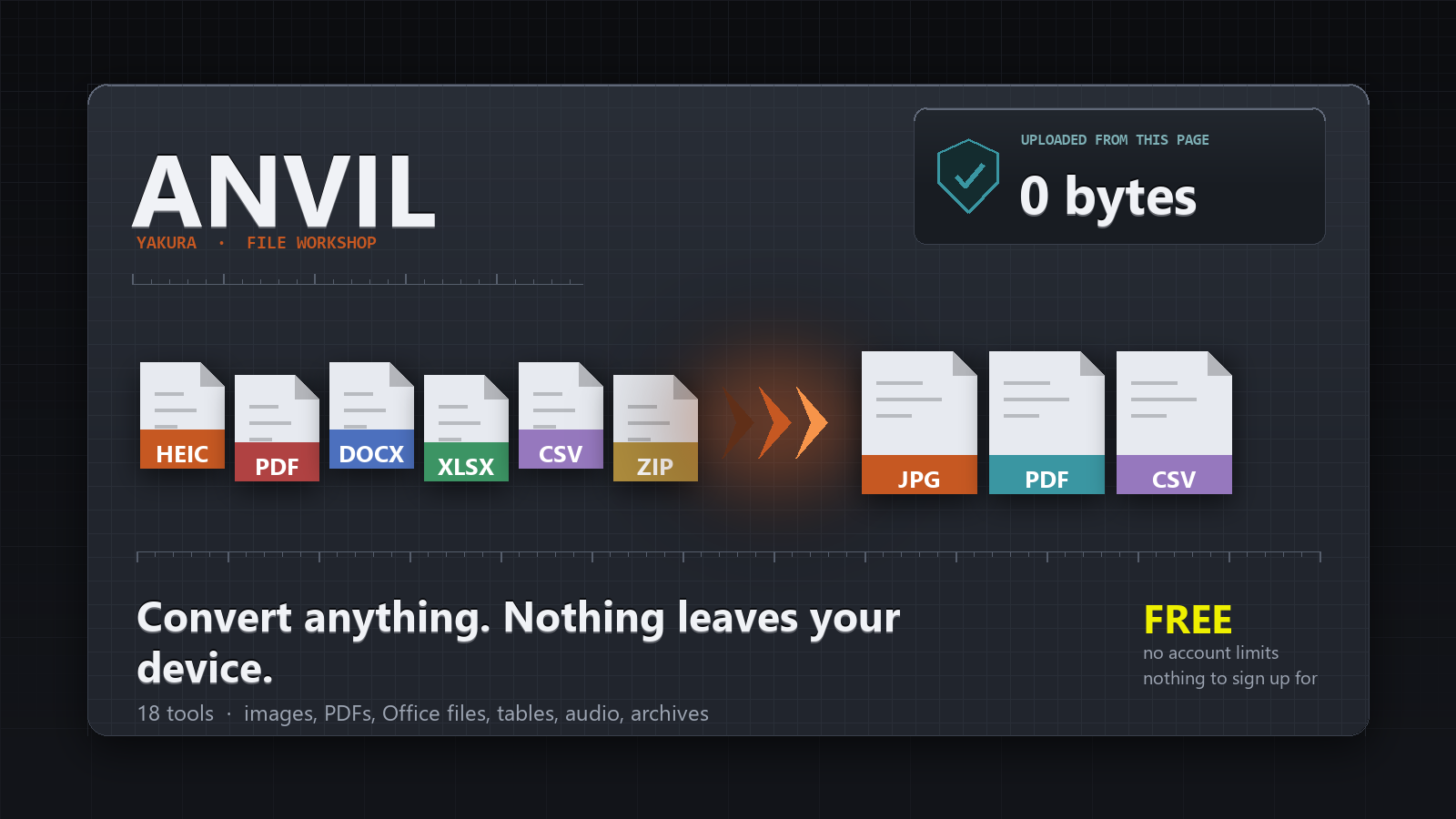
Eighteen tools you keep googling
Convert iPhone HEICs to JPEG in bulk. Merge, split, rotate and unlock PDFs. Turn a Word file into Markdown. Read a spreadsheet. Make a QR code. OCR a scan. All on one bench.
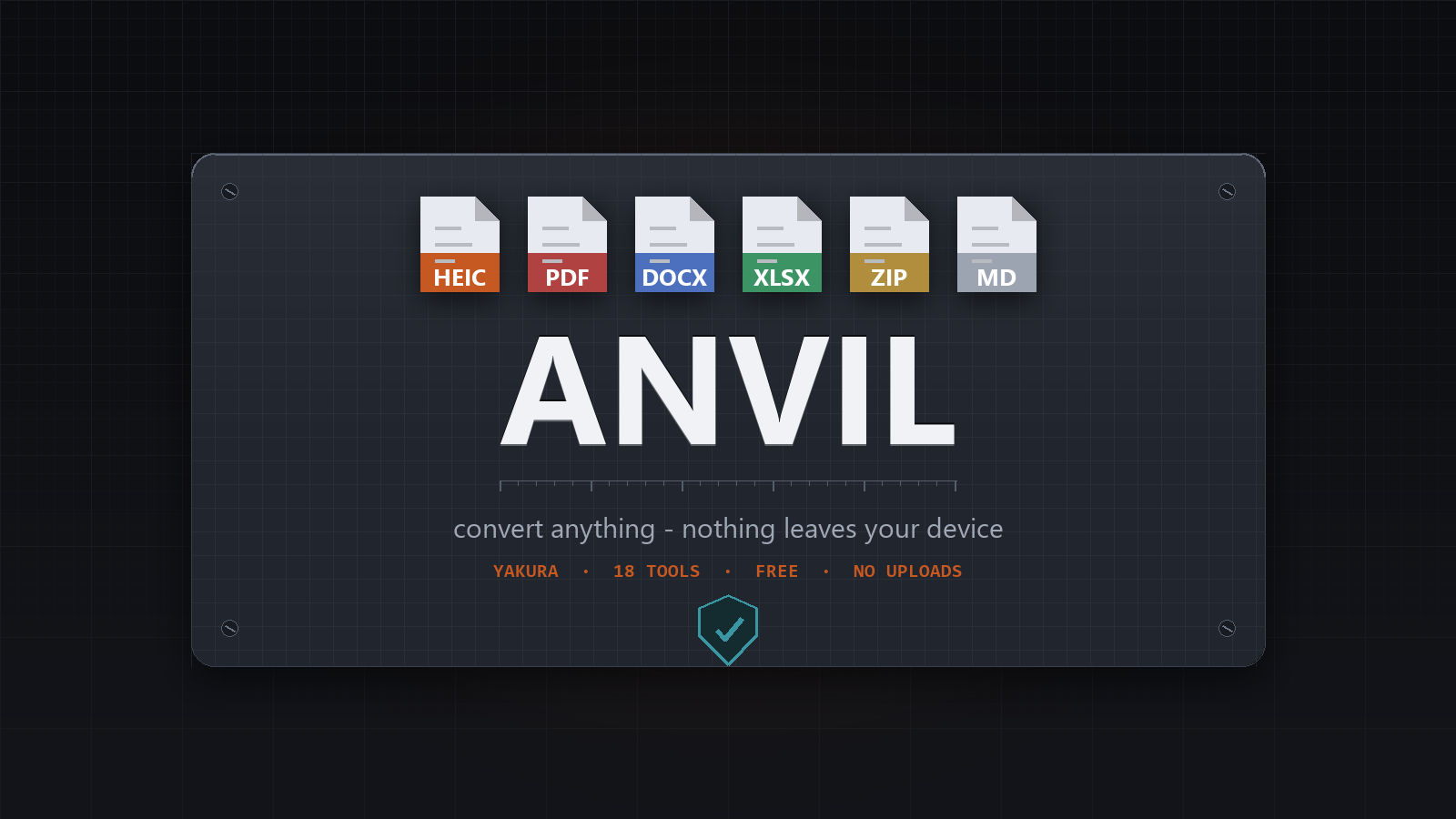
Free, and free of the usual bargain
The reason those websites are free is that they get your file. This one is free because it does not need anything from you.
More like this




Customer reviews
5 average · 1 review
- yakuraapp
I built this for myself - constantly googling for these applications for personal use, so we built an all-in-one. Hope you all enjoy it!
8/11/2026
Sign in to write a review.