
What you get
- Seven studios, one pastePosts, hooks, scripts, carousels, newsletters, YouTube, tags
- Refine any line with AIPunchier, more specific, or cut to fit the limit
- True-to-life framesSee it as it will actually look
- Editable in placeFix the one line that is wrong
- Full video scriptsHook, beats and the ask, with a measured read time
- Swipeable carouselsOne point per slide, plus the caption
- Newsletters that get openedSubject, preheader, body and the P.S.
- YouTube packsThree titles, description, tags, pinned comment
- A plan calendarSchedule what you generated
- Full slice historyGo back to the version you liked
- Save your brand voiceEverything comes out sounding like you
- Bring your own keyUnlimited runs on your own account
Is this for you?
- Solo creatorsOne recording becomes a week of posts
- MarketersRepurpose the blog post into five channels without rewriting it five times
- Founders posting their own updatesSay it once; let Slicer handle the formats
Free to use — upgrade for more
Work in Slicer every day instead of rationing it — seven studios, and enough runs to keep refining a line until it actually lands.
$8/mo
- 300 AI credits a month — up from 10 on free
- Room to work in it daily, across all seven studios
- Refine every line until it lands — each rewrite spends a credit too
- Bring your own key any time instead, and pay us nothing
About Yakura Slicer
One idea, every format
Paste a thought, a transcript or an existing post. Slicer turns it into X threads, LinkedIn posts, Instagram captions, video hooks and SEO tags — all from the same source, all in the tone you picked.
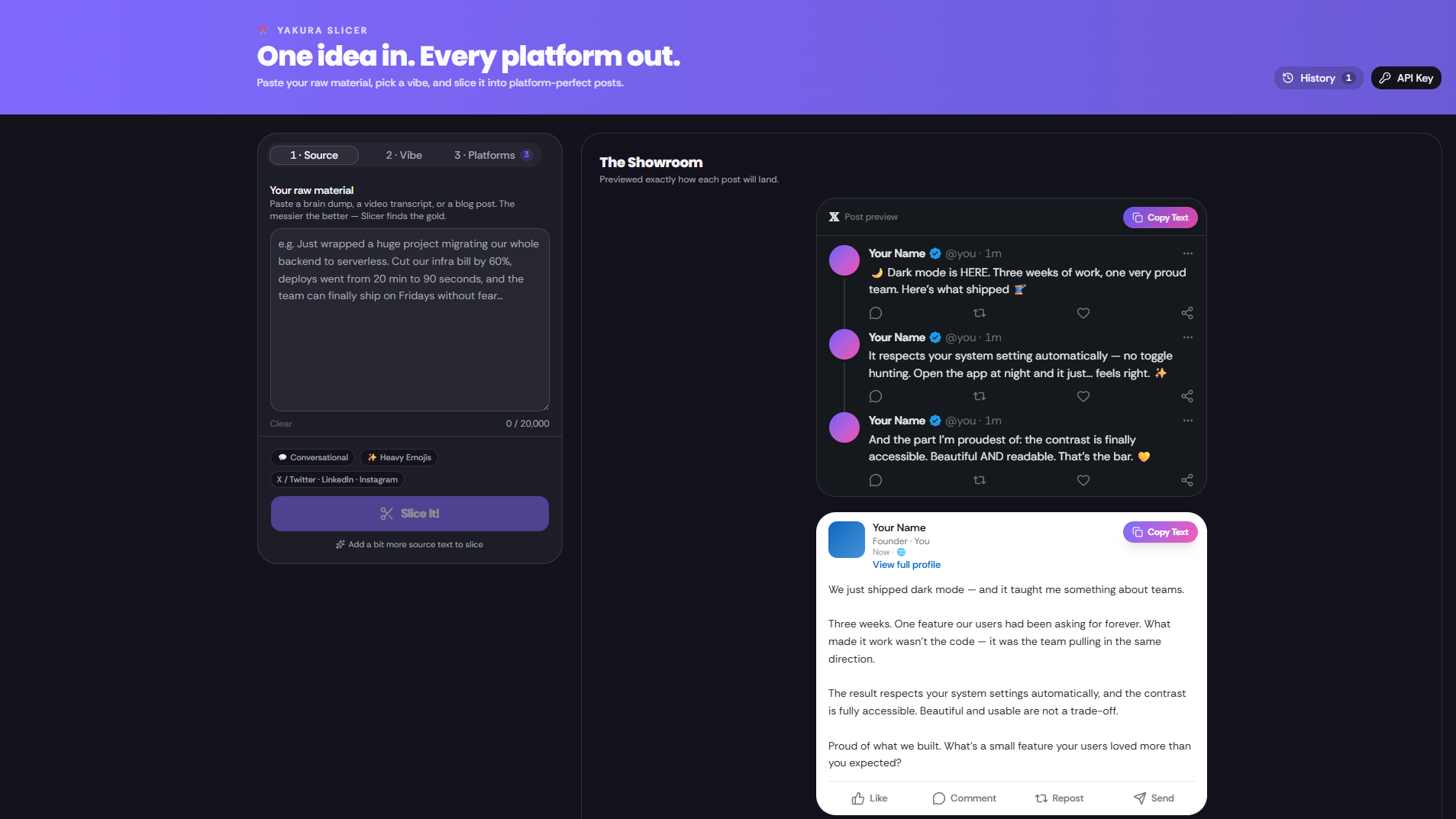
Previewed the way people will see it
Each piece renders inside a true-to-life frame for its platform, so you catch the line that gets cut off before you post it, not after.
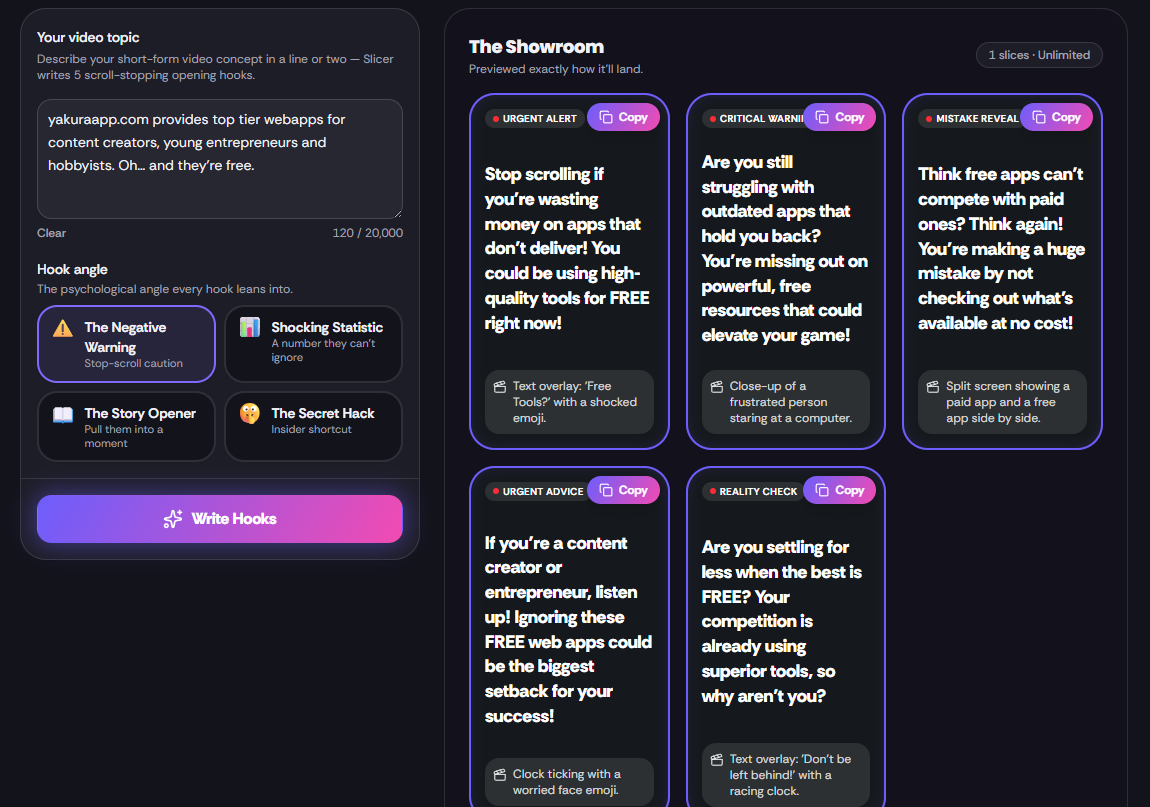
Edit in place, then plan it
Fix the one sentence that is wrong without regenerating everything. Then drop the set onto the plan calendar and work through the week.
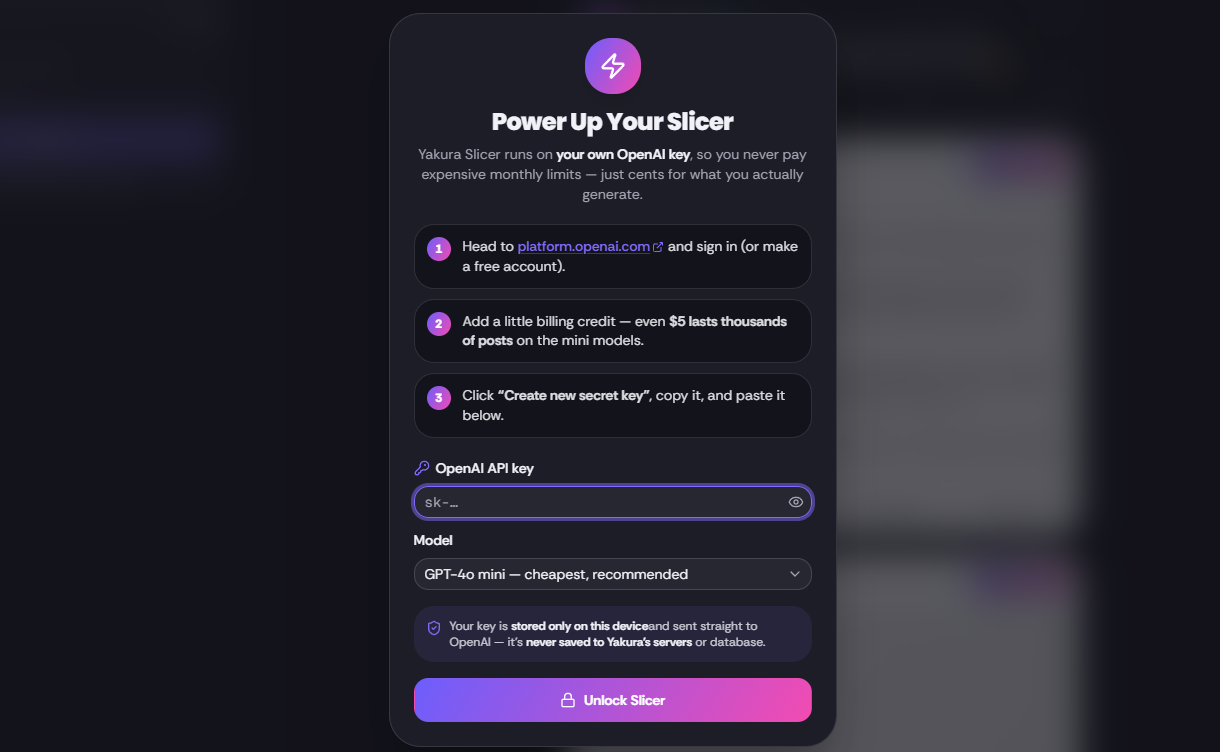
Recent updates to Yakura Slicer
- New
Export your whole slice library in one file
The history drawer can now hand you every slice at once as a single Markdown or plain-text document, with a contents list at the top. Running a search or a filter first exports just those.
Requirements
A Yakura account. Works out of the box with no API key; you can connect your own OpenAI or Google Gemini key if you prefer.
More like this


Customer reviews
Sign in to write a review.